 Raring
Android · Early release
A clearer view
of your day.
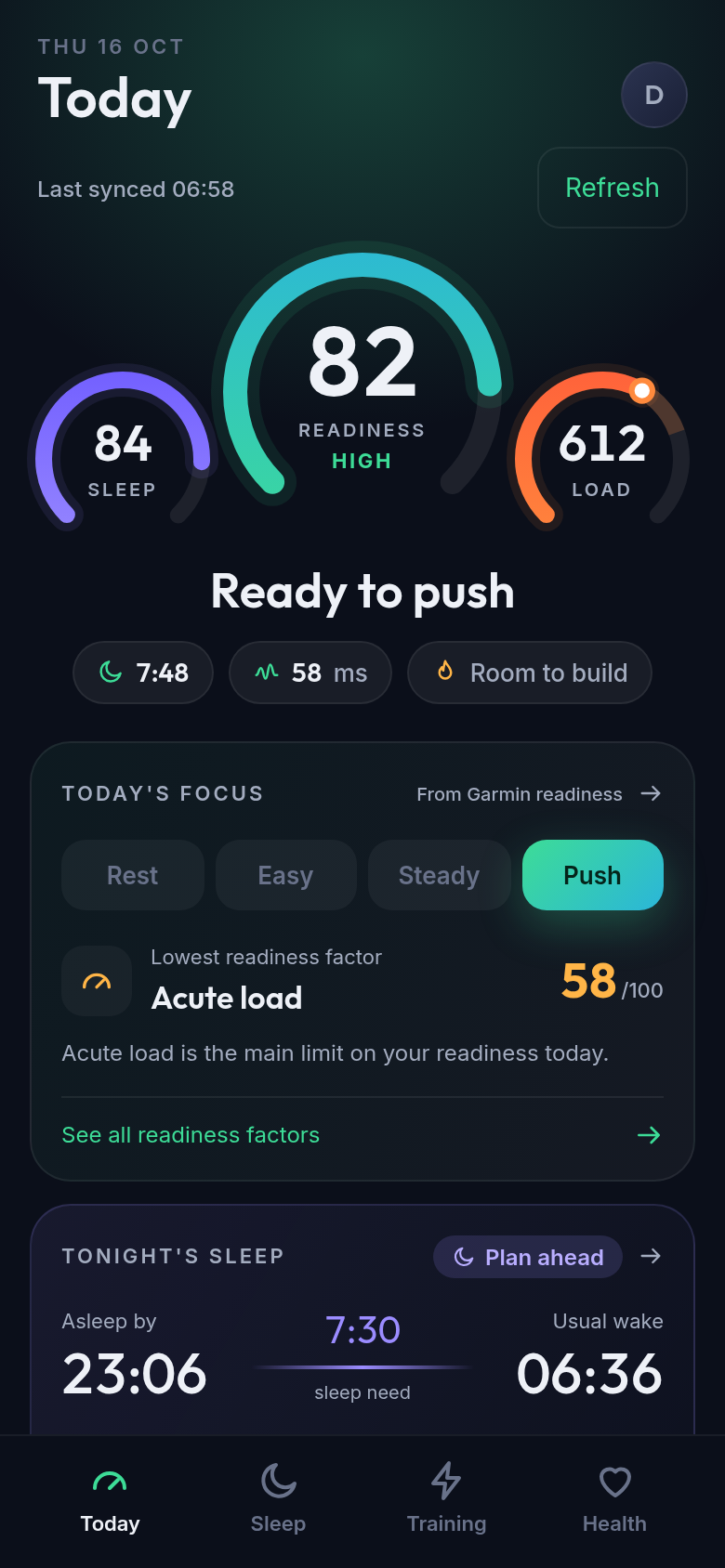
Your Garmin readiness, sleep and training, at a glance. See how you’re doing, what’s behind it, and when to take it easy.
Free to use. No subscription.
Open source. No ads. No telemetry.
- ReadinessFind today’s pace
- SleepSee your recovery
- TrainingBalance your load
Inside Raring
Your day, in detail.
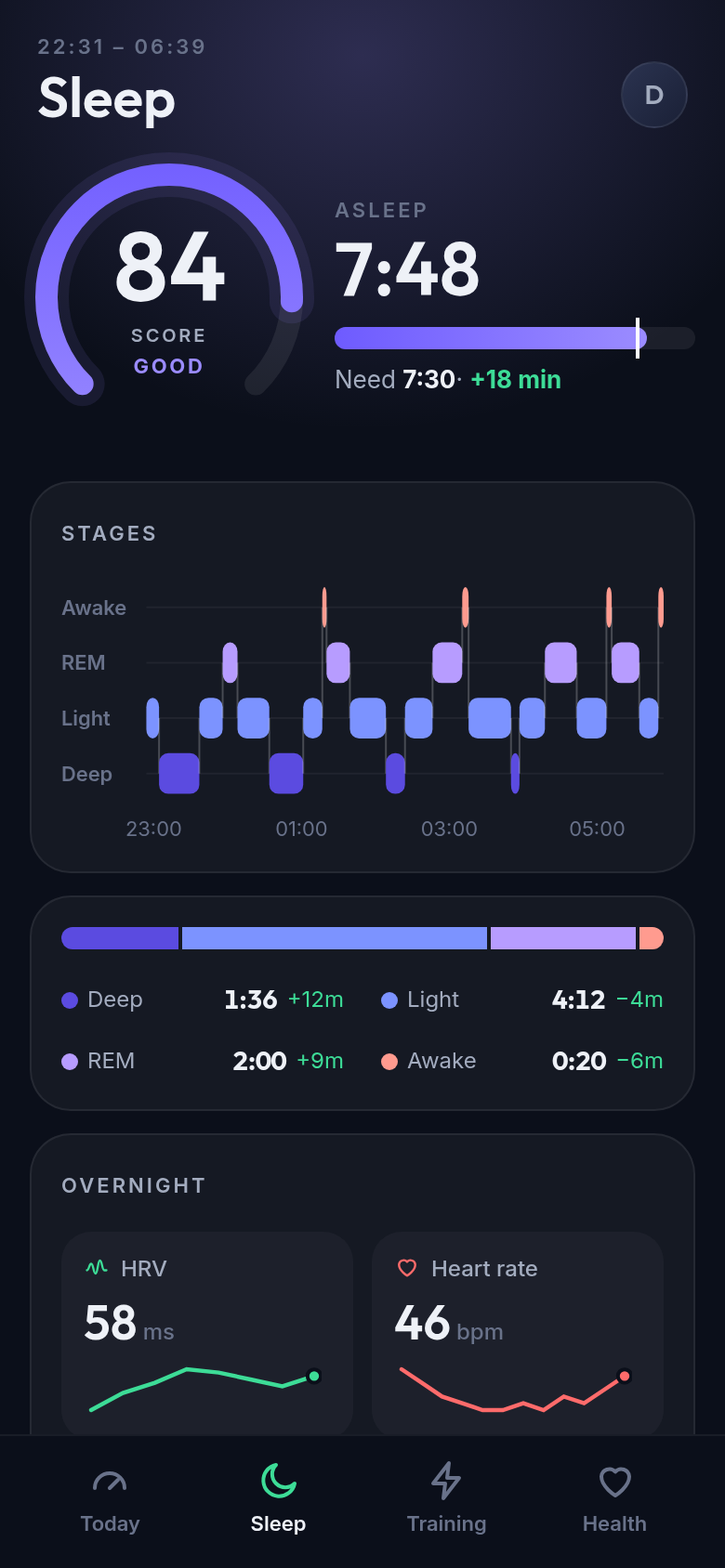
Sleep
Sleep stages, overnight readings and tonight’s plan.
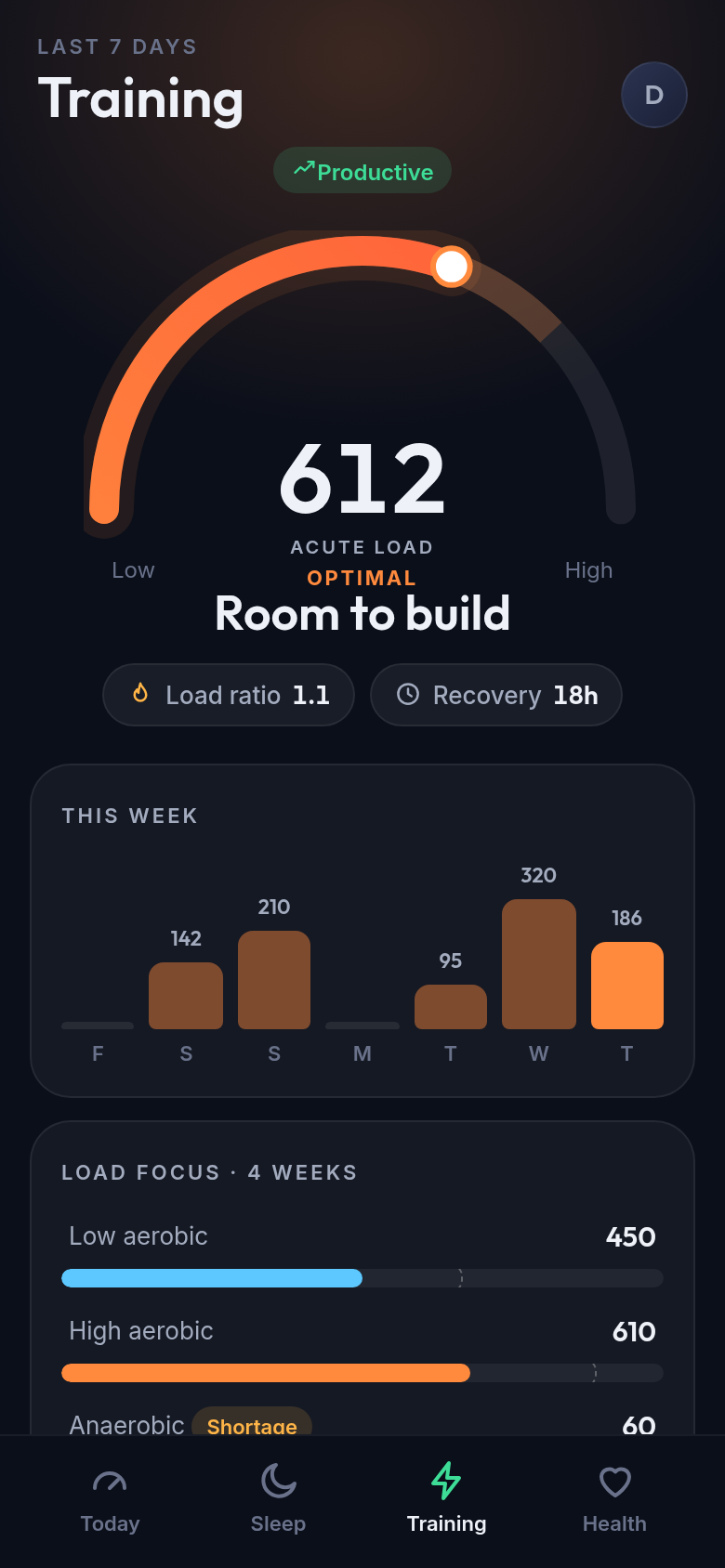
Training
Load, recovery and the balance of your training.
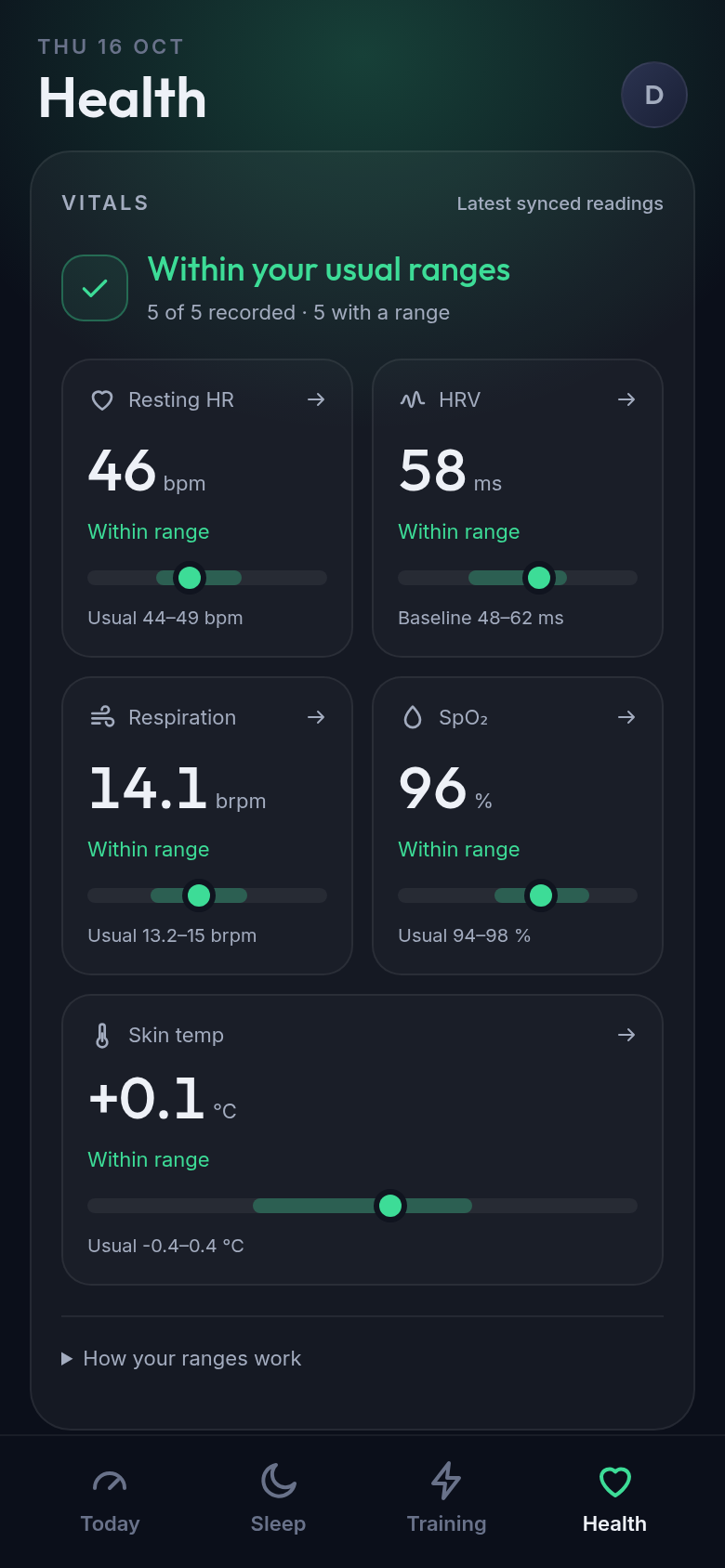
Health
Your vitals against your own usual ranges.
The connection, explained
Keep Garmin Connect in the loop.
Raring connects to your Garmin account, not directly to your watch. It gives the data already in Garmin a different view.
Sync your watch
Keep Garmin Connect installed and let it sync your watch with Garmin. Raring can only show data that has reached your account.
Sign in with Garmin
Use Garmin’s own sign-in page inside Raring. There’s no new Raring account, and Raring doesn’t read or store your Garmin password.
See your day clearly
Raring downloads your data to your phone and checks for updates in the background. The first sync can take several minutes. Your last synced view is available offline.
Some watches also upload over Wi-Fi or through Garmin Express. What matters is that your data reaches Garmin first. Metrics vary by watch; Raring doesn’t invent missing scores.
Private by design
Your phone. Your data.
The app talks directly to Garmin. Your downloaded history stays on your phone—not on a Raring server. We don’t collect your health data or track how you use the app.
Read the privacy details- No analytics or telemetry
- No ads or tracking SDKs
- No separate Raring account
- Open source, so you can check
Ready when you are
Get Raring. It’s free.
This is an early release for Android 7 or later on arm64 phones. You’ll need a Garmin account with synced watch data. Raring isn’t in the app stores.
Open the latest release